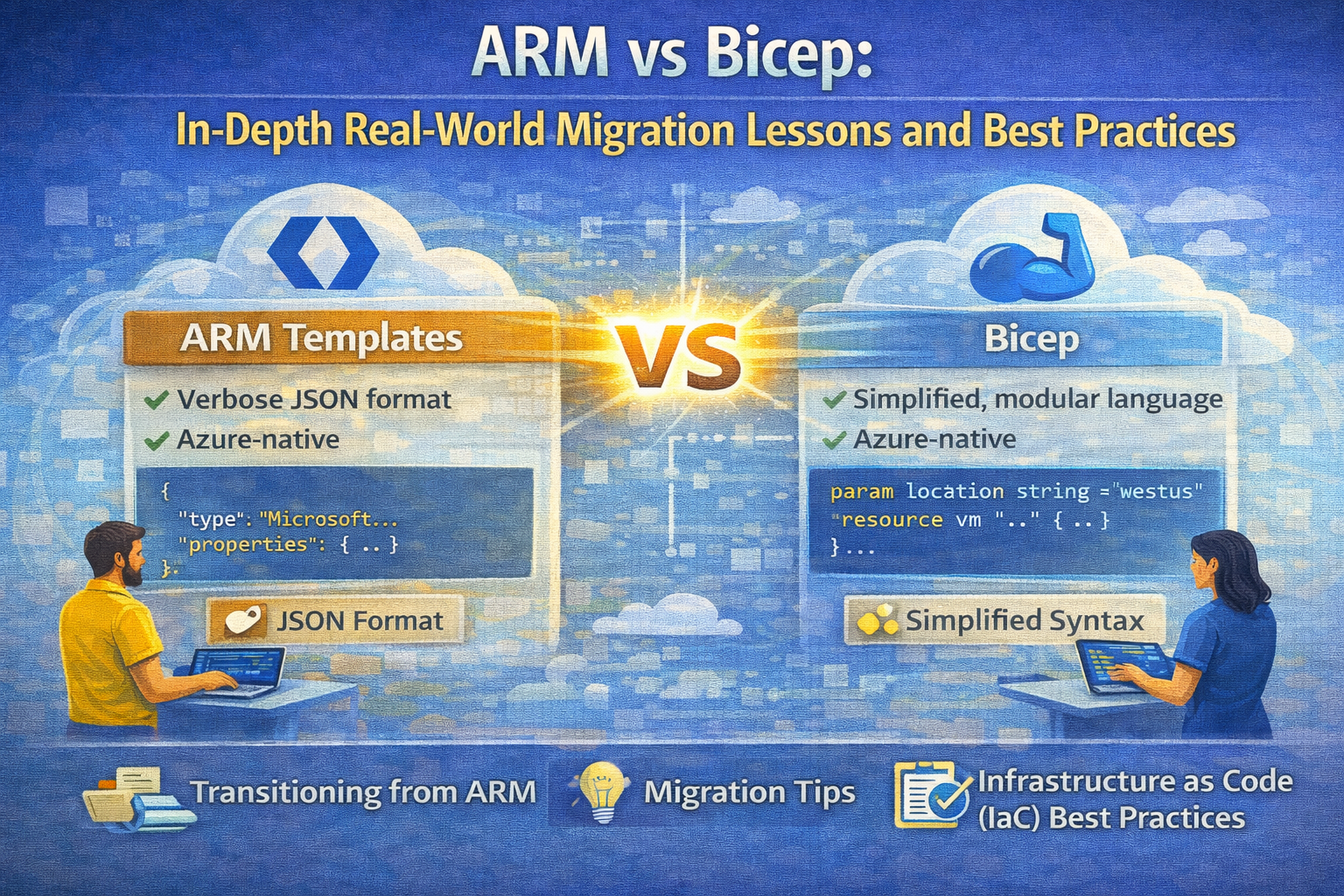
ARM vs Bicep: In-Depth Real-World Migration Lessons and Best Practices
Migrating Azure infrastructure as code (IaC) artifacts from Azure Resource Manager (ARM) templates to Bicep offers numerous advantages, including improved readability, modularity, and maintainability. However, the migration process—especially when dealing with complex governance constructs like Azure Blueprints—presents real-world challenges and lessons that every Azure engineer should understand.
This article provides a comprehensive, detailed exploration of migrating Azure Blueprints into deployment stacks using Bicep, highlighting practical best practices and real-world scenarios.
Understanding the Context: ARM, Bicep, and Azure Blueprints
ARM Templates
ARM templates are JSON files that define the infrastructure and configuration for Azure resources declaratively. They offer fine-grained control and have been the backbone of Azure IaC for many years.
Bicep
Bicep is a domain-specific language (DSL) that simplifies the authoring of ARM templates by providing cleaner syntax, improved modularity, and easier parameterization. It compiles directly into ARM JSON templates, making it fully compatible with Azure deployments.
Azure Blueprints
Azure Blueprints enable cloud architects to define repeatable sets of Azure resources, policies, role assignments, and resource groups to standardize deployments across an organization. However, Azure Blueprints have some limitations and are evolving with new tools like deployment stacks in the Microsoft.Resources namespace.
Why Migrate Blueprints to Deployment Stacks Using Bicep?
Deployment stacks bring Blueprint-like features into the core resource management namespace, offering better integration, flexibility, and modern IaC capabilities.
Migrating to Bicep-driven deployment stacks allows organizations to:
- Streamline and unify governance and deployment models.
- Leverage modular Bicep files for reusable, maintainable code.
- Use advanced features like template specs to manage versions and share templates easily.
- Apply resource locks and deny settings with finer control.
Real-World Migration Steps and Considerations
The migration process from Blueprints to deployment stacks can be broken down into actionable steps.
1. Export Existing Blueprint Definitions
Start by exporting your existing Azure Blueprint definitions into JSON files. These files include all artifacts such as:
- Azure Policy assignments
- Azure Role assignments
- Nested templates
Use the Azure PowerShell or CLI commands to export these definitions, for example:
Export-AzBlueprint -Name "BluePrintName" -OutputFolder "C:\BlueprintExports"
This step provides the raw material for conversion.
2. Convert Blueprint Artifacts into Bicep or ARM Templates
This is the core of migration where the JSON blueprint artifacts are converted into a single ARM template or Bicep file for deployment stacks.
Key Conversion Areas:
-
Role Assignments: Convert Azure role assignments to Bicep resources of type
Microsoft.Authorization/roleAssignments. Useguid()functions for consistent naming. -
Policy Assignments: Translate policy assignments to
Microsoft.Authorization/policyAssignmentsresources. Embed policy definitions or reference existing ones via their IDs. -
Templates and Modules: Combine nested or linked templates into Bicep modules for better modularity. Alternatively, use template specs to store and version these templates in Azure.
-
Locks and Deny Settings: Use deployment stack
DenySettingsModeto enforce resource locks, mimicking Blueprint locks but with enhanced flexibility.
3. Optional: Create Template Specs
Template specs allow you to store templates in Azure with versioning and easy sharing capabilities.
This practice is valuable for large organizations where reuse and version control of IaC artifacts are critical.
4. Deploy Using Deployment Stacks
Deployment stacks provide a modern method to deploy your converted Bicep templates or ARM templates to the desired scope (subscription, resource group, etc.).
Practical Example: Migrated Bicep Template
Below is a practical Bicep example illustrating a migration of role assignments, policy assignments, and resource group creation with nested modules.
targetScope = 'subscription'

param roleAssignmentName string = 'myTestRoleAssignment'
param roleDefinitionId string = guid(roleAssignmentName)
param principalId string = guid('myTestId')

param policyAssignmentName string = 'myTestPolicyAssignment'
param policyDefinitionID string = '/providers/Microsoft.Authorization/policyDefinitions/06a78e20-9358-41c9-923c-fb736d382a4d'

param rgName string = 'myTestRg'
param rgLocation string = deployment().location
param templateSpecName string = 'myNetworkingTs'

// Step 1: Create Role Assignment
resource roleAssignment 'Microsoft.Authorization/roleAssignments@2022-04-01' = {
  name: guid(roleAssignmentName)
  properties: {
    principalId: principalId
    roleDefinitionId: roleDefinitionId
  }
}

// Step 2: Create Policy Assignment
resource policyAssignment 'Microsoft.Authorization/policyAssignments@2025-03-01' = {
  name: policyAssignmentName
  scope: subscriptionResourceId('Microsoft.Resources/resourceGroups', resourceGroup().name)
  properties: {
    policyDefinitionId: policyDefinitionID
  }
}

// Step 3: Create Resource Group
resource rg1 'Microsoft.Resources/resourceGroups@2025-04-01' = {
  name: rgName
  location: rgLocation
}

// Step 4: Deploy Nested Module (Virtual Network)
module vnet 'templates/bicep/vnet.bicep' = if (rgName == 'myTestRg') {
  name: uniqueString(rgName)
  scope: rg1
  params: {
    location: rgLocation
  }
}
Notes on the Example
- Role Assignments: Using
guid()ensures deterministic naming to avoid conflicts. - Policy Assignments: Scoped to the resource group, linking policies to specific scopes.
- Modules: Using Bicep modules for nested templates improves maintainability.
Best Practices and Tips for Migration
1. Leverage Bicep Modules for Modularity
Break down large templates into smaller, reusable modules. This approach simplifies testing, updating, and collaboration.
2. Use Template Specs for Management
Store your templates and modules as template specs in Azure. This enables versioning, centralized management, and sharing across teams.
3. Consistent Naming with guid()
Use the guid() function in Bicep for deterministic resource naming, which helps prevent deployment conflicts and ensures idempotency.
4. Validate Policy Definitions
When migrating policy assignments, verify that the policy definitions are still valid and compliant with your governance standards.
5. Understand Scope
Carefully map the scopes of role and policy assignments. Azure Blueprints often manage scopes automatically, but with Bicep, you must explicitly define them.
6. Automate Deployment Stack Creation
Use Azure CLI or PowerShell scripts to automate the creation and management of deployment stacks, including setting deny mode locks.
7. Test in Non-Production Environments
Always validate your migrated templates in development or staging subscriptions before applying them broadly.
Real-World Challenges and How to Overcome Them
Challenge 1: Complex Nested Templates
Blueprints often include nested templates that can be deeply layered. Migrating these requires flattening or modularizing templates carefully.
Solution: Adopt Bicep modules and link templates with template specs to maintain clarity and manage complexity.
Challenge 2: Role and Policy Assignment Granularity
Blueprints manage role and policy assignments declaratively but sometimes lack fine-grained control over scopes and conditions.
Solution: Explicitly define scopes in Bicep and use parameterization to manage environments and roles dynamically.
Challenge 3: Resource Locks and Deny Settings
Blueprint locks are essential for governance but have different implementations in deployment stacks.
Solution: Familiarize yourself with deployment stack DenySettingsMode and automate lock configurations via scripting.
Conclusion
Migrating from Azure Blueprints to deployment stacks using Bicep is a strategic move that modernizes your IaC practices and governance in Azure. Through this detailed, practical guide, you now understand the migration steps, best practices, and real-world challenges.
By embracing Bicep’s modularity, template specs for versioning, and deployment stacks’ governance features, you can achieve scalable, maintainable, and secure infrastructure deployments that align with organizational policies.
References
- Export your blueprint definition
- Deployment stacks documentation
- Bicep modules
- Template specs
- Role assignments ARM template reference
- Policy assignments ARM template reference
Embrace this migration approach to future-proof your Azure governance and deployment workflows with confidence and efficiency.