Introduction
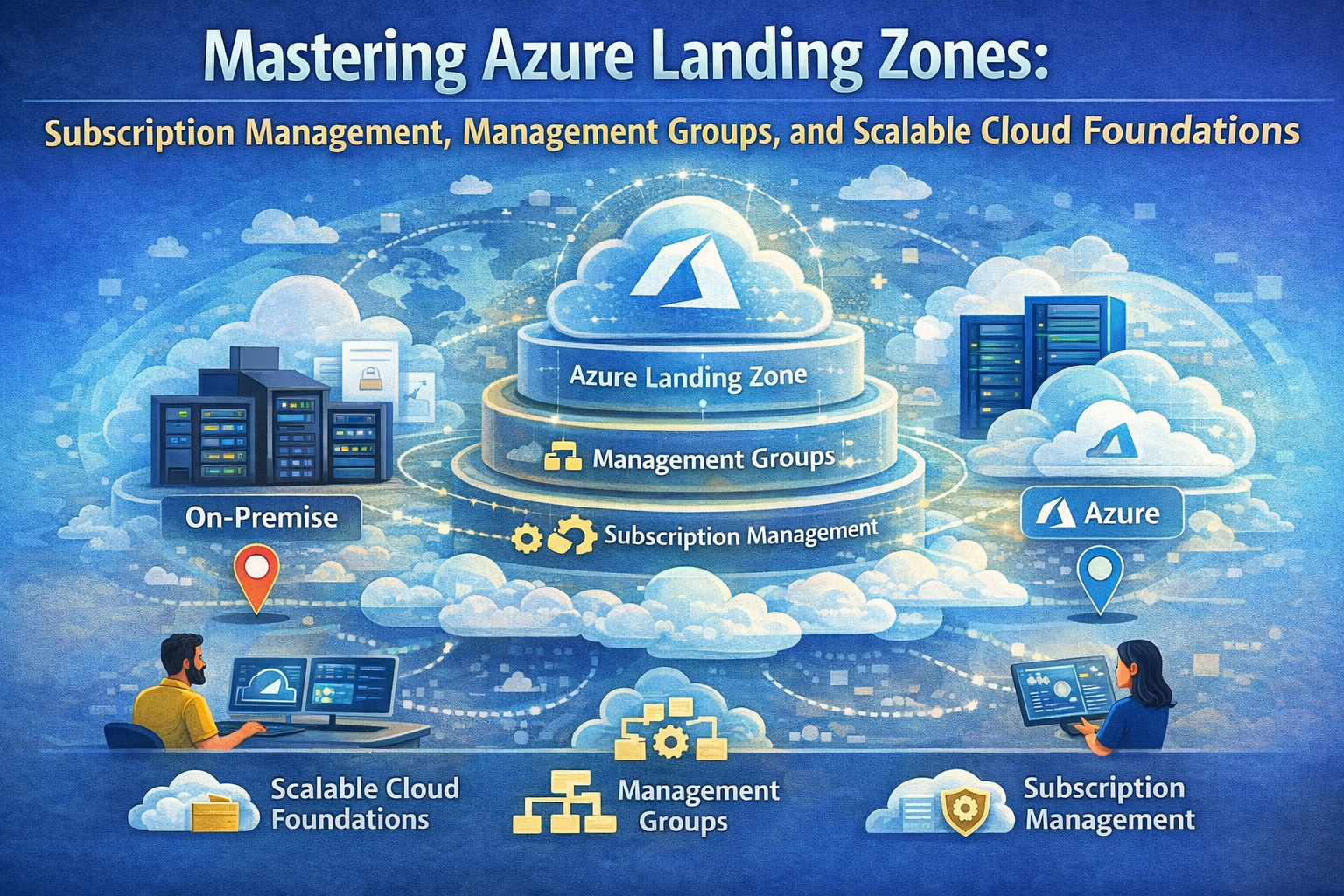
As organizations accelerate their cloud adoption journey, establishing a well-architected foundation is crucial. Azure landing zones provide a scalable, secure, and compliant starting point for deploying workloads in the cloud. They encapsulate best practices around identity, governance, networking, and resource organization, enabling teams to operate cloud environments that align with business and technical requirements.
This article dives deep into the core concepts of Azure landing zones, focusing on subscription management, management groups, and how these design areas interconnect to form a solid cloud foundation. It also discusses how to approach environment design and compliance considerations, offering practical guidance and examples for intermediate to advanced Azure architects and cloud engineers.
Understanding Azure Landing Zones
An Azure landing zone is a well-defined, pre-configured environment that serves as the starting point for cloud adoption and workload deployment. It embodies organizational policies, security controls, networking topology, identity management, and resource organization patterns to provide a consistent platform foundation.
Microsoft’s Cloud Adoption Framework (CAF) describes landing zones as the building blocks to enable cloud adoption at scale. They are designed to meet enterprise requirements while balancing agility and control.
Why Landing Zones Matter
Without a properly designed landing zone, organizations often face challenges such as:
- Poor governance and inconsistent security enforcement
- Complex subscription sprawl and resource mismanagement
- Inefficient networking and connectivity setups
- Difficulties in compliance auditing and policy enforcement
Landing zones provide a structured approach to address these issues by defining modular design areas that cover every aspect of the cloud environment.
Key Design Areas of Azure Landing Zones
The Azure landing zone reference architecture breaks down the environment into distinct design areas, each addressing critical facets of cloud platform design. Understanding these areas helps architects make informed decisions tailored to their organization’s needs.
| Design Area | Objective |
|---|---|
| Azure billing and AD tenant | Establish proper tenant creation, enrollment, and billing setup to underpin the cloud estate. |
| Identity and access management | Implement identity boundaries and access controls to secure the environment. |
| Resource organization | Design subscription and management group hierarchies to enable governance at scale. |
| Network topology and connectivity | Define network architecture for secure, performant connectivity. |
| Security | Implement controls and processes to protect resources and data. |
| Management | Set up monitoring, operations, and recovery capabilities for ongoing stability. |
| Governance | Automate policy enforcement and auditing to maintain compliance. |
| Platform automation and DevOps | Align tooling and templates for repeatable, secure deployments. |
These areas are interconnected, and decisions in one often impact another. For example, resource organization affects governance and access management.
Subscription and Management Group Strategies
One of the most impactful design decisions involves how you organize your Azure resources using subscriptions and management groups.
Understanding Subscriptions
An Azure subscription is a logical container for resources and defines the boundary for billing, access control, and policy enforcement. Proper subscription design is vital for:
- Separating workloads: Different business units, environments (dev/test/prod), or applications may require isolated subscriptions.
- Governance and compliance: Policies and role-based access control (RBAC) are applied at the subscription level.
- Billing management: Tracking costs and budgets per subscription enables better financial governance.
Best Practices for Subscription Design
- Limit the number of subscriptions: Avoid excessive subscriptions that complicate management.
- Use subscriptions to isolate trust boundaries: For example, production workloads should be in separate subscriptions from development to reduce risk.
- Consider subscription limits: Azure has subscription and resource limits; plan accordingly.
Leveraging Management Groups
Management groups provide a hierarchy above subscriptions, enabling centralized policy and access management across multiple subscriptions.
Benefits of Management Groups
- Policy inheritance: Apply Azure Policies and Azure Blueprints at higher levels to enforce standards across all child subscriptions.
- Role delegation: Assign RBAC roles at the management group level to manage access efficiently.
- Simplified governance: Organize subscriptions by business units, geography, or compliance needs.
Designing Management Group Hierarchies
A common approach is the enterprise-scale architecture pattern that includes:
- Root management group: The top-level container for all management groups and subscriptions.
- Landing zone management groups: Group subscriptions based on workload, environment, or function.
- Support management groups: For shared services like security, networking, and monitoring.
Here’s an example hierarchy:
Root Management Group
│
├── Enterprise Management Group
│   ├── Subscriptions for Shared Services
│   └── Security and Governance Policies
│
├── Production Management Group
│   ├── Production Subscriptions (Apps, Data)
│
└── Dev/Test Management Group
    ├── Development Subscriptions
    └── Test Subscriptions
Code Example: Creating a Management Group and Assigning a Subscription
Using Azure CLI, you can create management groups and associate subscriptions:
# Create a management group
az account management-group create --name Production --display-name "Production Workloads"

# Add a subscription to the management group
az account management-group subscription add --name Production --subscription <subscription-id>

# Assign a policy at the management group level
az policy assignment create --name "enforce-tagging" --scope "/providers/Microsoft.Management/managementGroups/Production" --policy "policyDefinitionId"
Environment Design Considerations
Landing zones are not one-size-fits-all. Environment design incorporates multiple considerations:
Identity and Access Management
Identity forms the foundation of cloud security. Azure Active Directory (Azure AD) governs authentication and authorization. Key principles include:
- Use Azure AD tenants aligned to the organization: Avoid fragmentation.
- Implement least privilege access with RBAC: Grant only required permissions.
- Integrate with on-premises identities: Use Azure AD Connect for hybrid scenarios.
Network Topology and Connectivity
Networking choices impact security, performance, and management:
- Use hub-and-spoke architectures to centralize shared services like firewalls and VPNs.
- Implement network segmentation for isolation.
- Enable private endpoints and service endpoints for secure service access.
Security and Compliance
Embedding security controls early helps maintain compliance:
- Use Azure Security Center and Azure Defender for continuous monitoring.
- Define Azure Policies to enforce standards automatically.
- Regularly audit and remediate non-compliant resources.
Platform Automation and DevOps
To scale and maintain consistency, automate landing zone deployments:
- Use Azure Resource Manager (ARM) templates, Terraform, or Bicep for infrastructure as code.
- Integrate CI/CD pipelines to deploy and update environments.
- Automate policy assignment and role configuration.
Practical Scenario: Designing a Landing Zone for a Financial Services Company
A financial services company must meet stringent compliance requirements while enabling agility across business units.
Step 1: Define Management Group Hierarchy
- Root management group for the entire enterprise.
- Separate management groups for Production, Development, and Shared Services.
- Apply strict policies at the Production management group to enforce encryption, logging, and data residency.
Step 2: Subscription Strategy
- Create subscriptions per business unit within each management group.
- Use subscription tags for cost center tracking.
Step 3: Identity and Access
- Integrate Azure AD with corporate Active Directory.
- Implement Conditional Access policies.
- Use Privileged Identity Management (PIM) for just-in-time access.
Step 4: Network Design
- Deploy a hub-and-spoke network.
- Use Azure Firewall in the hub.
- Enable private endpoints for sensitive PaaS services.
Step 5: Automation
- Define ARM/Bicep templates for landing zone components.
- Use Azure DevOps pipelines for deployment.
- Automate policy and RBAC assignments.
Conclusion
Azure landing zones are foundational to building secure, scalable, and manageable cloud environments. By carefully designing subscription boundaries, management group hierarchies, and addressing identity, networking, and governance, organizations can accelerate cloud adoption while maintaining control.
Following the modular design areas outlined in the Azure landing zone reference architecture ensures that your environment can evolve with changing business needs and compliance requirements. Automation and DevOps integration further enable repeatable, consistent deployments and operations.
Take the time to evaluate each design area and tailor your landing zone to your organization’s unique requirements. This strategic approach will pay dividends in operational efficiency, security posture, and cloud governance.
Additional Resources
- Azure Landing Zones documentation
- Enterprise-Scale Landing Zone GitHub repository
- Azure Management Groups overview
- Azure Policy
- Azure Identity and Access Management
“Empower your cloud journey by mastering the architecture and governance of Azure landing zones.”