Introduction
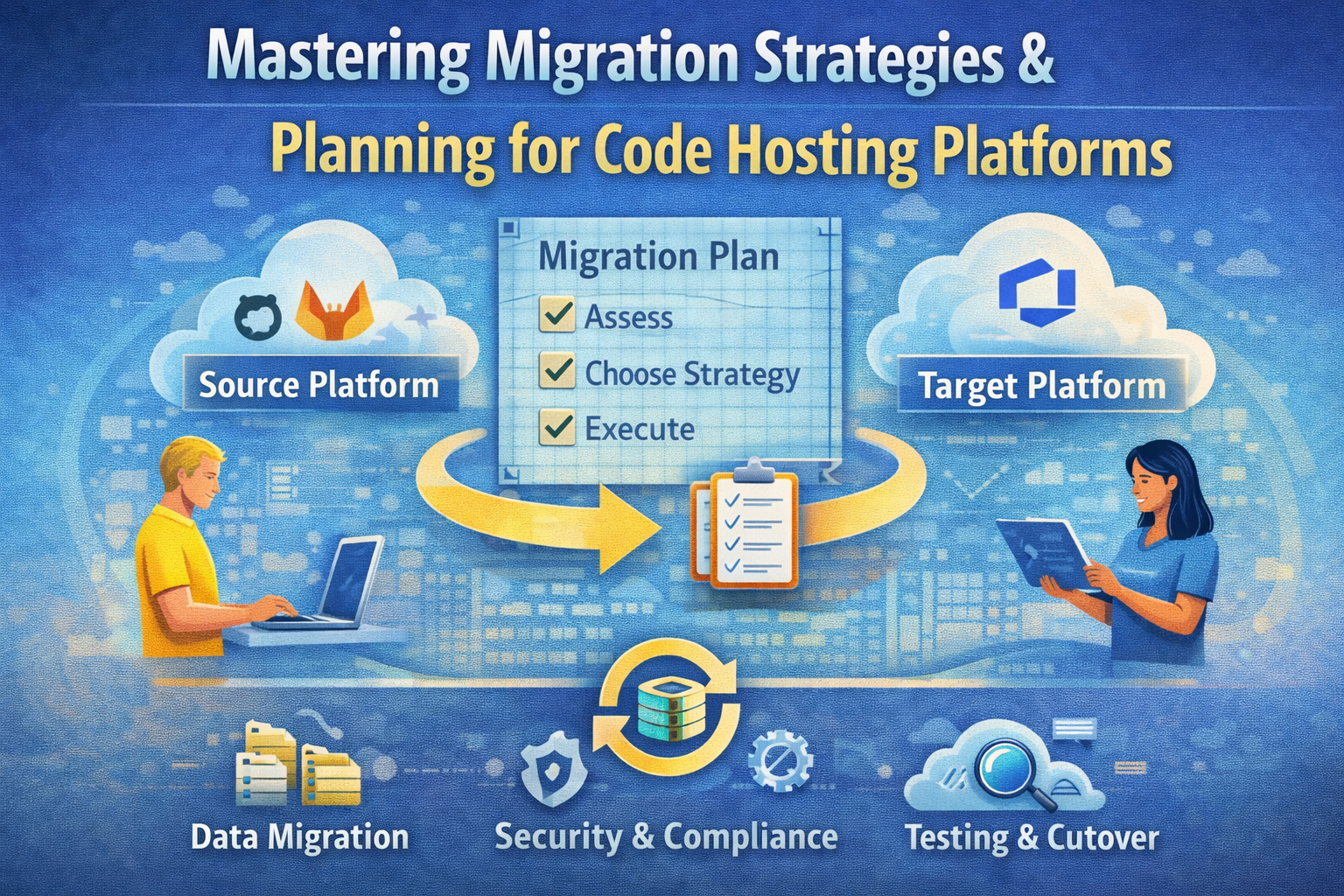
Migrating your codebase and collaboration history from one platform to another is a critical yet complex task faced by many engineering organizations. Whether you’re moving from Bitbucket Server, GitLab, Azure DevOps, or an internal system to GitHub or between GitHub products, successful migration requires thorough planning, the right tools, and a clear understanding of your goals.
This comprehensive guide dives into migration strategies and planning best practices for intermediate to advanced technical teams tasked with moving repositories, issues, pull requests, and other metadata to new code hosting environments.
Understanding Migration Terminology
Before diving into planning, it’s essential to be familiar with key terms:
| Term | Definition |
|---|---|
| Code hosting platform | An online service where source code repositories reside, enabling collaboration. Examples include GitHub Enterprise Cloud, GitHub Enterprise Server, Bitbucket Server, and GitLab.com. |
| Version control system (VCS) | The tool tracking changes to source code locally, e.g., Git or Team Foundation Version Control (TFVC). Some platforms use Git, others may use different VCSs or none at all. |
| Migration origin | The source location of your repositories, usually a code hosting platform or possibly a network drive or local machine. |
| Migration destination | The target platform you want to migrate to, typically a GitHub product such as GitHub Enterprise Cloud or GitHub Enterprise Server. |
| Migration path | The specific combination of origin and destination, such as “Bitbucket Server to GitHub Enterprise Cloud.” Specific tools may be available for certain paths to facilitate migration. |
Defining Migration Scope: What and When to Migrate
Identifying Origin and Destination
Start by clearly identifying your migration origin and destination:
- Your origin could be one or more existing platforms or storage locations.
- Your destination is typically a GitHub product best suited to your needs, such as GitHub Enterprise Cloud or Server.
Knowing where your code currently lives and where it needs to go sets the foundation for the entire planning process.
Building a Migration Inventory
Create a detailed inventory of repositories you intend to migrate. A spreadsheet format works well and should capture:
- Repository name
- Repository owner (organization or user)
- Repository URL
- Last updated timestamp
- Number of pull requests
- Number of issues
For GitHub origins, tools like gh-repo-stats (a GitHub CLI extension) can automate this data gathering. For Azure DevOps or Bitbucket Server, CLI tools such as ado2gh and bbs2gh provide inventory-report commands to generate CSV files of your repositories.
If your origin lacks tooling, manually compile data using APIs or reporting features.
Evaluating Repositories to Migrate
Use this inventory to decide whether to migrate all repositories or prune unused/archived ones. Large organizations often discover hundreds of obsolete repositories, and removing these simplifies your migration and reduces costs.
Measuring Repository Sizes
Repository size impacts migration feasibility and tool selection. Large files over 100MB or a huge repository history can cause slow or failed migrations.
Use the open-source git-sizer tool to analyze repository sizes:
- Clone the repository with
git clone --mirror. - Run
git-sizer --no-progress -j | jq ".max_blob_size"to get the largest file size. - Run
git-sizer --no-progress -j | jq ".unique_blob_size"to get the total size of unique objects.
Add these metrics to your inventory to assess migration risks and required resources.
Choosing a Migration Type
Migration fidelity varies based on your needs and tools:
| Migration Type | Description | Requirements |
|---|---|---|
| Source snapshot | Migrates only the current code state, no history. | Compatible with any origin and destination. |
| Source and history | Migrates current code plus its revision history. | Requires Git or convertible VCS. |
| Source, history, and metadata | Migrates code, history, and collaboration data (issues, PRs, settings). Requires specialist tools. | Specialist tools available for select migration paths. |
Often, you may mix strategies: high-fidelity for active repos, snapshot for archived ones.
Self-Serve vs Expert-Led Migration
You can migrate independently using documentation and tools (self-serve), or engage GitHub Expert Services or partners for guided, expert-led migrations.
| Aspect | Self-Serve | Expert-Led |
|---|---|---|
| Documentation access | Full | Full |
| Tool access | Limited | Full |
| Support scope | Execution and troubleshooting | Planning, execution, troubleshooting |
| Cost | Free | Contact Expert Services |
Large-scale migrations (thousands of repos or >5GB in size) benefit significantly from expert-led support.
Selecting Migration Tools
Choose tools based on your migration path and required fidelity. For example:
github-enterprise-importerfor Bitbucket Server to GitHub Enterprise Cloudado2ghCLI for Azure DevOpsbbs2ghCLI for Bitbucket Server/Data Center
Consider tool compatibility with repository size, metadata migration capability, and automation features.
Designing Your Target Organization Structure
In GitHub, repositories belong to organizations. Thoughtful organization design can:
- Maximize collaboration
- Simplify administration
- Avoid unnecessary silos
Minimize the number of organizations and follow archetypes based on team structure, business units, or projects. For example, one org per business unit with teams managing access within.
Plan this structure before migration to streamline post-migration management.
Performing Dry Run Migrations
Before committing, perform dry runs of your migration:
- Validate tools work with your repositories
- Confirm data fidelity and migration completeness
- Estimate migration duration
Dry runs simulate the full migration process but allow you to delete migrated repos afterward without consequences.
Pre-Migration and Post-Migration Best Practices
Pre-Migration Steps
- Communicate migration timelines to your team early and send reminders
- Set up user accounts on the destination platform
- Provide instructions for updating local repository remotes
Post-Migration Steps
- Announce migration completion
- Link user activity (issues, comments, PRs) to correct user identities in the new system
- Decommission old platforms safely
Handling CI/CD and Integrations
Migrating CI/CD Pipelines
If moving between GitHub products and you use GitHub Actions, workflows migrate automatically, but self-hosted runners must be reconfigured.
For other CI/CD providers, verify compatibility with your new platform. If switching providers (e.g., moving to GitHub Actions), perform this migration separately from repository migration to reduce risk.
Migrating Integrations
Reconfigure integrations to point to new repositories and organizations. Vendor-provided integrations may have specific instructions; in-house tools might require API rewrites.
User Attribution and Metadata Linking
When migrating collaboration metadata, link user activities to new user accounts. Approaches vary by tool:
- Tools like
ghe-migratorrequire pre-migration mapping files. - GitHub Enterprise Importer uses “mannequins” as placeholders, with post-migration reassignment possible.
Plan user mapping early to maintain data integrity.
Managing Teams and Permissions
Teams simplify access management by grouping users. Plan team structures in advance and consider linking teams to identity provider groups for centralized membership control.
Note: Teams must be created before migration but assigned to repositories after migration completes.
Practical Example: Migrating from Bitbucket Server to GitHub Enterprise Cloud
- Inventory Repositories: Use
bbs2gh inventory-reportto export repository metadata. - Analyze Repository Sizes: Clone repos and run
git-sizerto assess size and large files. - Choose Migration Type: Use source, history, and metadata migration if you require full fidelity.
- Run Dry Run: Migrate a subset or all repos to a test org, verify data.
- Communicate: Notify teams of timelines and update instructions.
- Migrate: Execute full migration with GitHub Enterprise Importer.
- Reconfigure CI/CD: Update pipelines or migrate workflows.
- Reassign User Activity: Map Bitbucket users to GitHub accounts.
- Create Teams: Set up teams and assign repository access.
- Decommission Bitbucket: After validation, retire the old system.
Conclusion
Successful migration between code hosting platforms requires meticulous planning, comprehensive inventory and sizing analysis, understanding migration fidelity options, and thoughtful organizational design. Leveraging appropriate tools and support models can significantly reduce risk and downtime.
By following these strategies and best practices, teams can ensure a smooth transition that preserves code integrity, collaboration history, and operational continuity.